

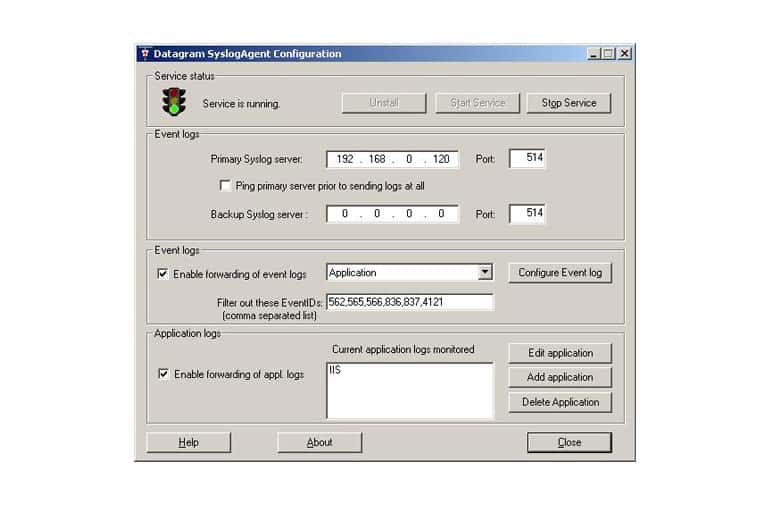
Datagram’s SyslogServer, SyslogView, and SyslogAgent are three software kits that are part of the Datagram SyslogServer Suite. They are capable of log collection, filtering, alerting, and database storage / log display. This article will cover the pricing, main features, system requirements, and where to download this software.
See all FREE SYSLOG Servers HERE
Pricing
There are 4 tiers in the Datagram SyslogServer pricing scheme. They are as such:
- SyslogServer Trial Edition:
Costs $0, supports 8 logging IP addresses. The trial version supports Microsoft Access as a database, and does not support backing up or deleting entries. There is a ten filter maximum restriction, and a ten alarm restriction as well. Email support for alarms is not included. - SyslogServer Enterprise Edition:
Costs $200 for 50 IP addresses, $500 for 500, and $900 for 5000. Each tier of Enterprise Edition supports MSSQL databases, and allows for backing up or deleting log entries. There is no limit to the amount of filters or alarms you can set, and email support for alarms is included.
Features
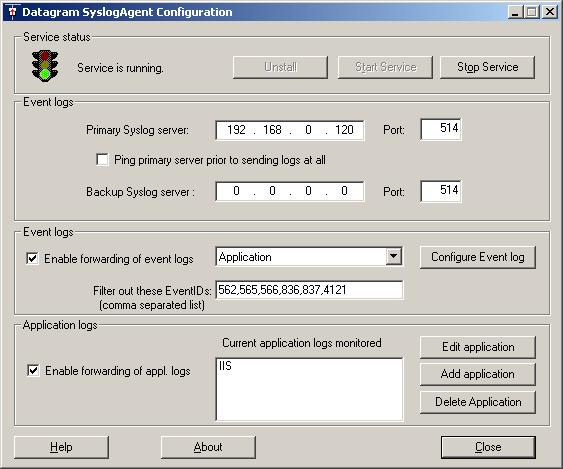
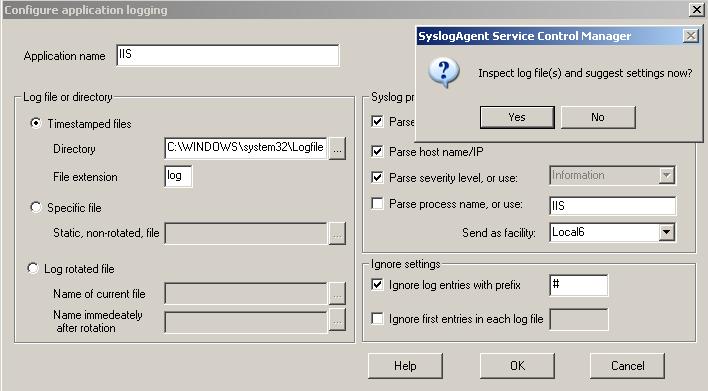
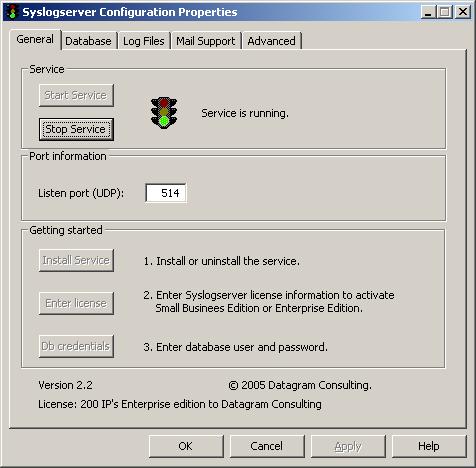
- Server Software Overview: Datagram’s SyslogServer software is capable of receiving syslog messages and parsing / storing logs in a database. It runs as a windows service, removing the need to remain logged in as a user in order to keep the socket open. A SQL database is not set up by the install process, so the user will need to configure and connect to a SQL database, and at this point, the server software supports automatic table initiation and can automatically build the schema. The software process is cut into three main parts – receiving logs and storing them as a file, parsing and inserting logs into the database, and handling alarms / backups.
- Client Software Overview: The client software connects to the server using ODBC, meaning cross-platform connections are supported. Multiple clients can connect to the server at a time. The client shows log entries in the database labeled with colors, and can show a live view of the network using automatic updating.
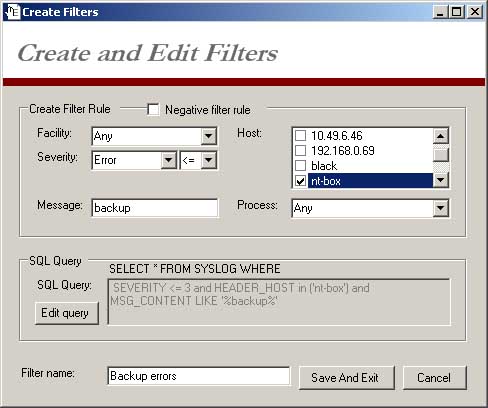
- Filters: There are numerous filtering options available for log operations. Some of these include host name, process, facility, severity, message, or even custom SQL queries. There is also a logical NOT gate, for discluding certain entries. You can even create filter groups, and assign devices to groups with one or more filters already configured and ready to go.
- Alarms: The alarms configuration window is quite similar to the filtering window. All the above mentioned filters are included at the top, and then alert options are beneath. Alert options include sending emails, popup notifications, and thresholds based on log frequency.
OS Compatibility
The SyslogServer software runs on Windows 2000 and newer, as does the SyslogView and SyslogAgent softwares. A SQL database is also necessary, as well as enough storage space. Datagram claims that 5 million entries use about 1 Gigabyte worth of disk space.
Screenshots

Download and Official Links
Datagram’s SyslogServer, SyslogView, and SyslogAgent can be downloaded from:
Updated (May 2018): Looks like this site is now DOWN.
If your Looking for a Syslog Server, you can find a Full list of them Here!
We Highly Recommend KIWI Syslog Server – Download it FREE HERE!
Datagram SyslogServer is a useful, log collection tool capable of storing and filtering large amounts of logs from various devices, as well as alerting and live updates. It is a useful tool for Systems and Netowrk Administrators to keep a grasp on system status and prevent emergencies.