

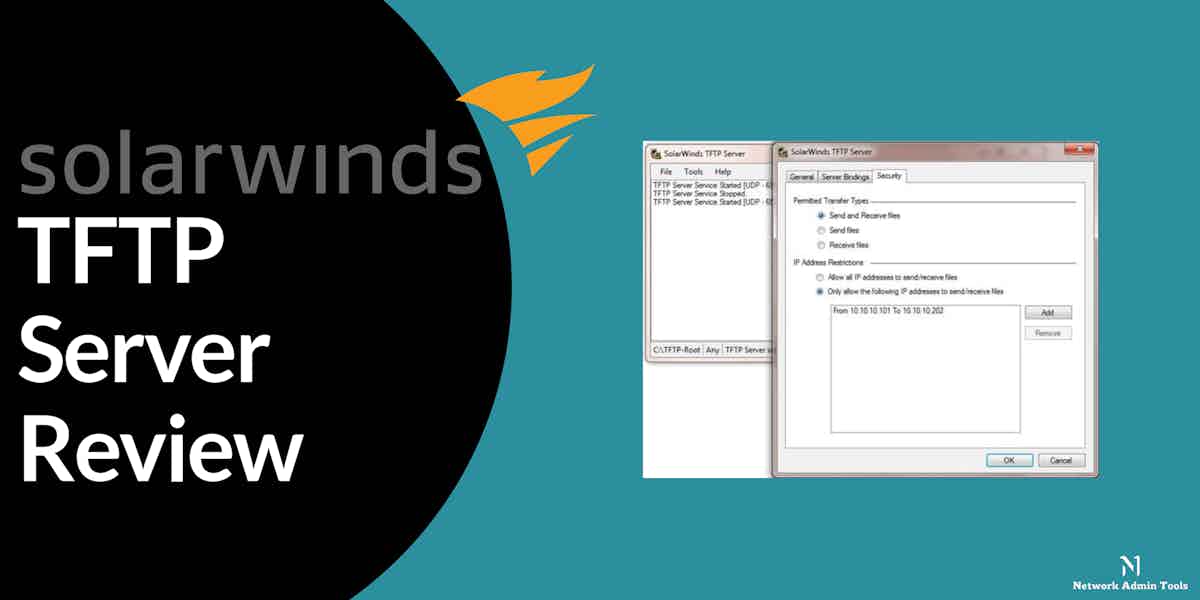
SolarWinds TFTP Server is a great little utility and tool that gives you the ability to transfer files to and from it for FREE.
Thanks to its non-existent price tag, it makes for the best TFTP servers to utilize in your arsenal and IT toolbox, especially if you are working with switches, routers and firewalls that need to be updated, backed up and configured regularly.
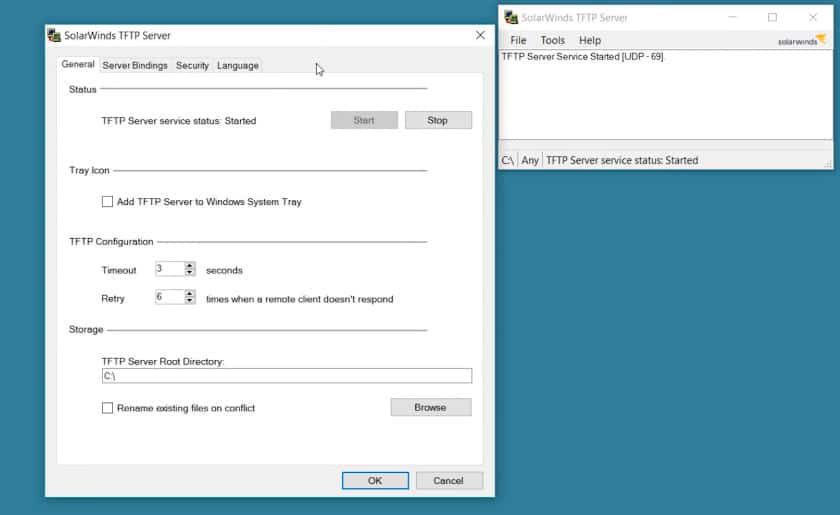
The software can transfer file sizes up to 4GB in size and runs as a Server in Windows operating system.
Another added benefit of the SolarWinds TFTP Server is the ability to transfer multiple files at once (or simultaneously) due to its multi-threaded design.
For those interested in its security features, you’ll be pleased to know that you have the ability to allow/deny by individual IP Addresses and even IP Ranges if necessary.
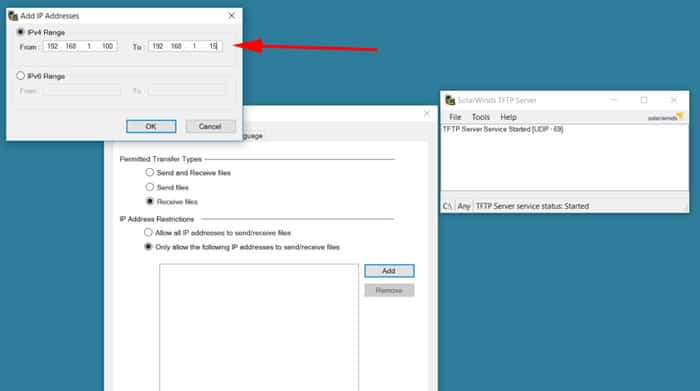
This whitelist/blacklist functionality really cuts down on unauthorized access requests that could be happening.
Features of SolarWinds TFTP
- Free and Easy to Use Most network administrators choose SolarWinds TFTP because it is a cost-free utility that can be downloaded and used easily. It is a 100% free version that can run easily on Windows operating systems.
- Runs as a Windows service Another key feature of SolarWinds TFTP Server is it can transfer files up to GB in size and works only on Windows and Windows Server. Because it operates as a Windows application, managing it with built-in Windows tools is simpler.
- Specific or range of IP Authorization With this powerful tool, you gain the ability to authorize, i.e., allow or deny only specific IPs or a range of IPs.
- Simple user interface Network managers can easily use SolarWinds TFTP thanks to its user-friendly interface that makes file transfers simple.
- Quick Transfers Because TFTP is intended to be quick, SolarWinds TFTP makes use of this to make sure that files are transmitted quickly and effectively. It further allows users to transfer files from different platforms or devices at the same time without any hassle.
- Supports large files Network administrators who need to move large files between devices should be aware that SolarWinds TFTP can transfer files up to 4GB in size.
- Provides complete control Network managers have total control over file transfers between network devices thanks to SolarWinds TFTP. Administrators can select the files to transfer and set the parameters for the transfer procedure with SolarWinds TFTP to maximize performance. The administrators even gain access to alter the maximum block size and delay values as per their preference.
Pros:
- You can push configuration changes, firmware, and simple OS images via this tool
- Users can create a backup of configuration files and transfer up to 4GB size files easily with SolarWinds TFTP Server
- The multi-threaded design allows you to transfer files from multiple devices at the same time
- Offers full control over file transfers
- Individual IP addresses and, if required, IP ranges can be allowed or denied with SolarWinds TFTP Server
- The lightweight file transfer utility is available as a window service and requires minimal resources
Cons:
- You will still require technical knowledge to configure the service correctly, as with all TFTP servers
- Due to the absence of security features, TFTP deployment should be handled carefully
Official Website and Documentation:
http://www.solarwinds.com/free-tools/free-tftp-server
Download:
https://www.solarwinds.com/free-tools/free-tftp-server/registration
Related Post: TFTPD32 Server Review