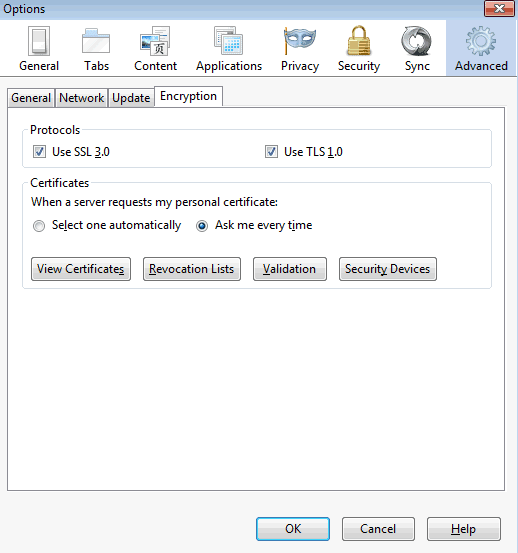
Go to Options, select the Advanced icon, and the Enryption tab. Make sure that USE TLS 1.0 is checked, and click View Certificates:
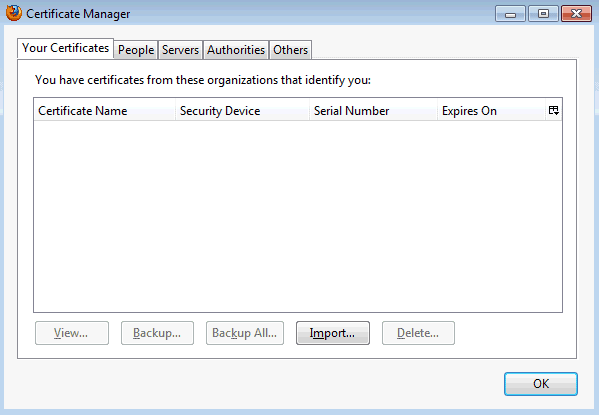
Click view certificates. Click the Your Certificates tab:
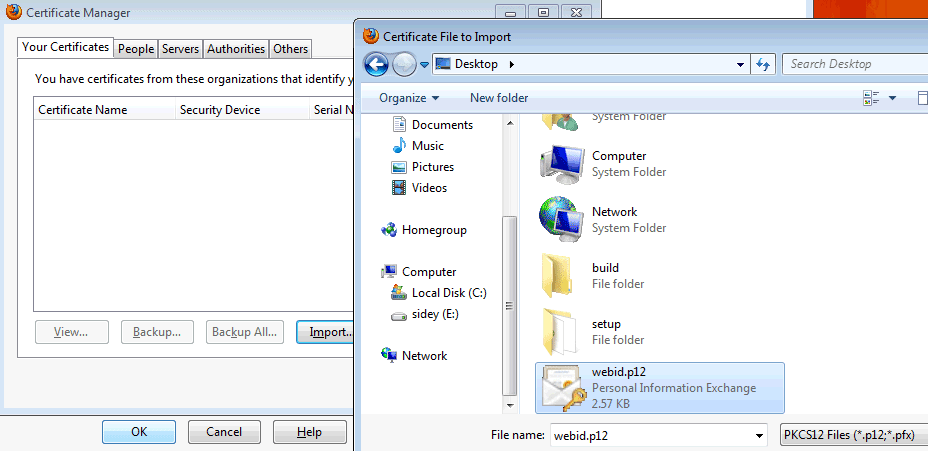
Clikc Import. You will be asked to select your .p12 file:
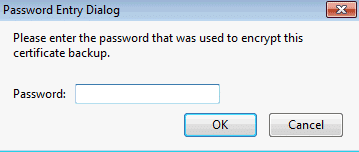
Enter the password for the certificate. You are only asked this when you load a certificate for the first time: