
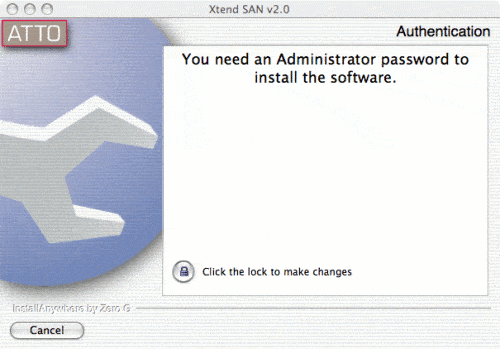
There was only one choice we could find for a Mac iSCSI initiator. It is available from ATTO Technology. We used the iSCSI target we set up in this article, which is a GNU/Linux box running a 2.6 Linux kernel. Of course, iSCSI is a standard, so any iSCSI target should work as well. The install of the client is pretty easy. *Warning* The install appeared to delete some of our user profile settings like our mail and bookmarks, customized toolbar, stuff like that, so back up your home directory before you install it. Perhaps this was due to something else we did, but this happend the first reboot after the install. Enter the adminsitrator password when asked:
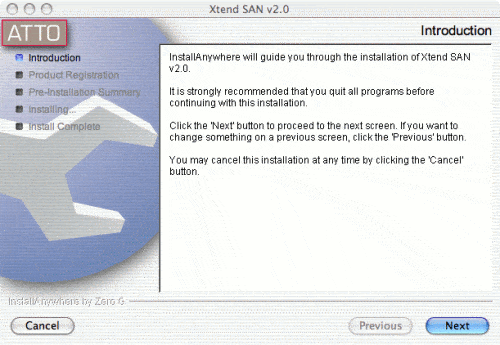
Click next a couple times to finish up the installation:
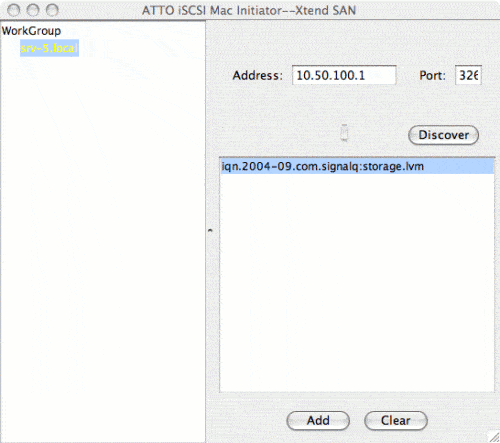
Start up the Xtend SAN application and enter the IP address of the target. There are no chap settings like there are with some other initiators, so you can’t set a password on the iSCSI target. Click discover, and the target should show up:
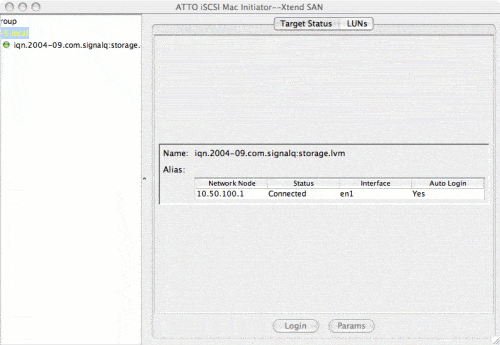
Click add and target status will show. If you want the drive to persist between reboots, choose auto login:
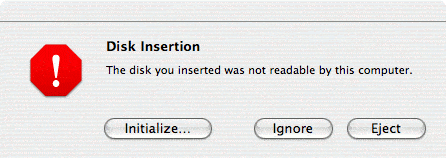
Mac OS X will now detect the drive and ask if you want to initialize it:
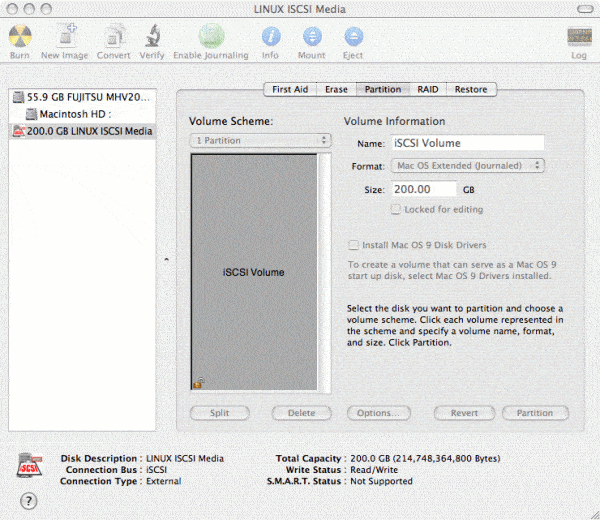
Here is the volume after we partitioned it:
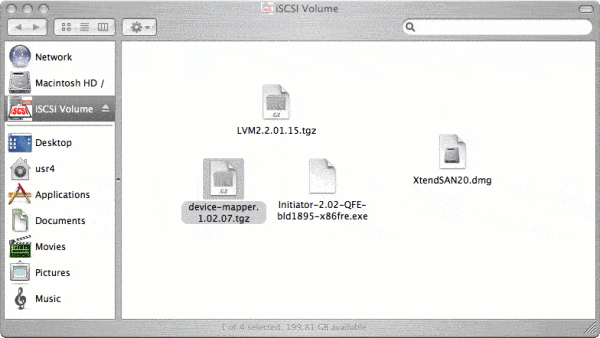
The drive shows up like any other drive:
To make a backup of the system:
rsync -avz --delete --exclude=/dev --exclude=/volumes / "/volumes/iSCSI Volume/macroot/" building file list ... done ./ .DS_Store .Spotlight-V100/ .Spotlight-V100/.journalHistoryLog .Spotlight-V100/.store.db .Spotlight-V100/ContentIndex.db .Spotlight-V100/_IndexPolicy.plist .Spotlight-V100/_rules.plist .Spotlight-V100/store.db .Trashes/ .Trashes/0/ .Trashes/501/ . . . |
We don’t have the luxury of gigabit in our lab, so we used 100 Mbit. These settings worked much better than default over the slower connection:
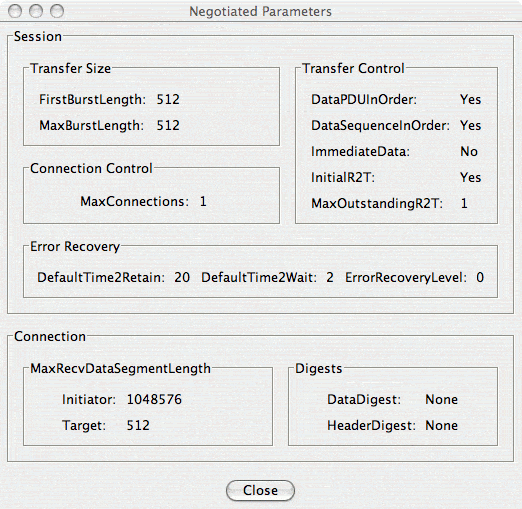
Note that although we enabled CRC32C on HeaderDigest and DataDigest on the target, the initiator didn’t seem to enable it. Also, a note about stability. Before we tweaked the default settings the Mac OS X system would lock up hard. Granted, we are using a nonstandard, almost silly means of connection; however, do beware of the implications of having a device that the O/S expects to be hardware but isn’t. It is the beauty and downfall of iSCSI. This is a relatively new technology. The fact that the only real option for a Mac OS X initiator is the ATTO one shows how immature this technology is. Also, the target software is quite new as well, so it may be that the blame for the lockups with default settings can be shared by the target software.


