
We ran into an interesting situation where we needed to know two things: whether or not a particular server was down, and when, exactly, it went down. We had requested some service be done on the server, and had a shell open via ssh. A simple solution that did the trick, and illustrates some stupid BASH tricks, is this script:
u-1@srv-1 u-1 $ until [ 6 -eq 9 ] > do > echo $(date) > sleep 1 > done Mon Mar 17 14:01:13 PST 2003 Mon Mar 17 14:01:14 PST 2003 . . . |
The time increments once every second by utilizing the sleep command. Since 6 hasn’t yet turned out to be a 9 (to our knowledge), this script most likely will loop forever. If you don’t use sleep, you’ll waste a lot of CPU power. This can be entered in one line:
until [ 6 -eq 9 ]; do echo $(date); sleep 1; done |
Another application of this is to test serial ports. We have a cheap breakout box that has tri-state LEDs, as most breakout boxes do. By running this simple script:
until [ 6 -eq 9 ]; do echo thequickbrownfox > /dev/ttyS0; done |
We can tell which line is transmitting data:
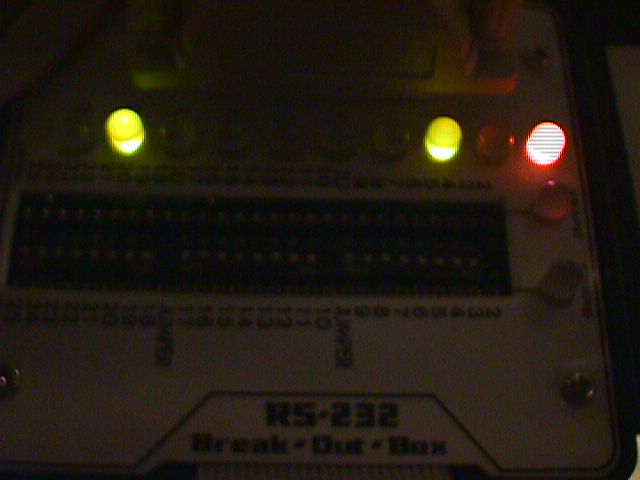
The light on pin 2 is orange. If you just hook up the breakout box without the program, the light is red. Pushing a key doesn’t help, because the light blinks too fast.
For other stupid BASH tricks, click here.


