
SnipSnap is a multi-purpose tool for collaborating. What attracts us to this particular Wiki implementation is the ease in which it deals with code snippets. It is also written in Java. For a couple awesome demos of how this can work in collaborative dev environments, see:
expTaskDemo_v2
SnipSnap_Project_Demo
Let’s install it and run it:
u-1@srv-1 snip $ ls snipsnap.tgz u-1@srv-1 snip $ tar -xzf *.tgz u-1@srv-1 snip $ ls snipsnap-0.5.1a snipsnap.tgz u-1@srv-1 snip $ cd *a u-1@srv-1 snipsnap-0.5.1a $ ls README conf lib license.txt run.bat run.sh validate.xsl u-1@srv-1 snipsnap-0.5.1a $ ./run.sh SnipSnap 0.5.1a Copyright (c) 2000-2004 Fraunhofer Gesellschaft Fraunhofer Institute for Computer Architecture and Software Technology All Rights Reserved. See License Agreement for terms and conditions of use. Responsible Authors: Stephan J. Schmidt, Matthias L. Jugel. ATTENTION: Server is still unconfigured! ATTENTION: Point your browser to the following address: ATTENTION: http://srv-1.signalq.com:8668/install/ba9ca ATTENTION: To force setup of a specific host and port add '?expert=true' ATTENTION: to the above URL. >> Your installation key is '868d3' >> Remember it, you will need this key to setup SnipSnap. >> Please finish the installation, visit >> http://srv-1.signalq.com:8668?key=868d3 Started '8668' at http://srv-1.signalq.com:8668 |
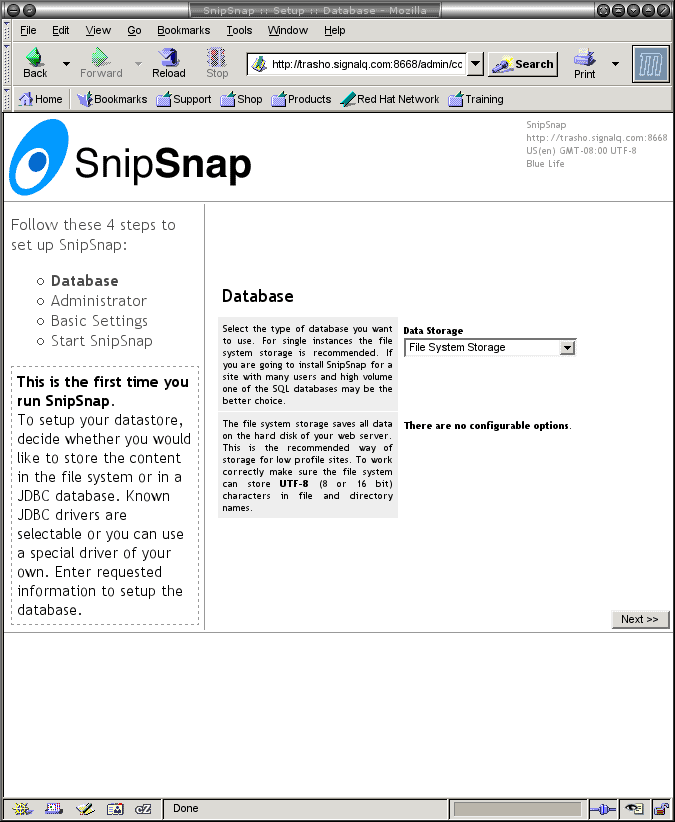
When we visit the above URL, we get a Database setup screen. We chose a file system database:
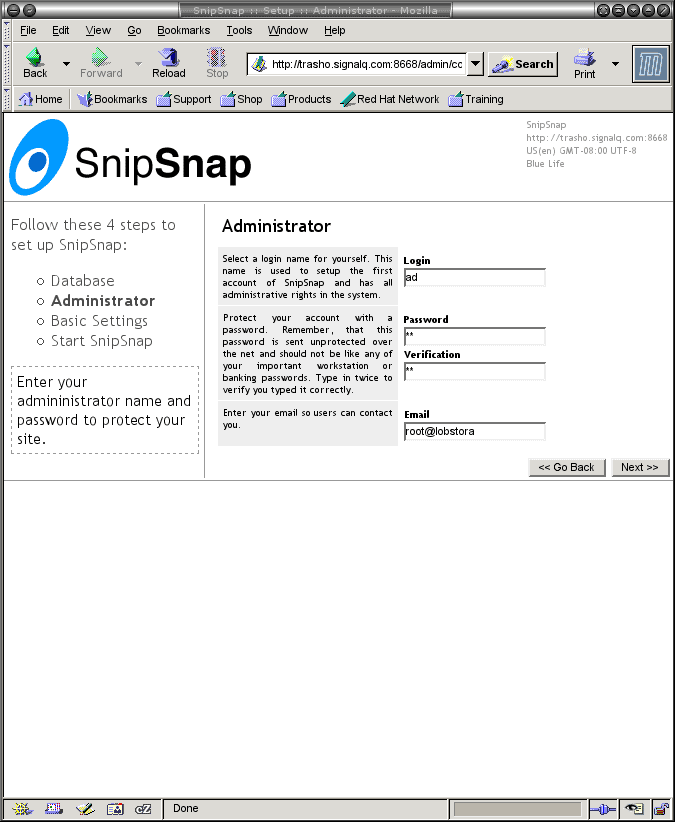
The next screen is the Adminstrator setup screen:
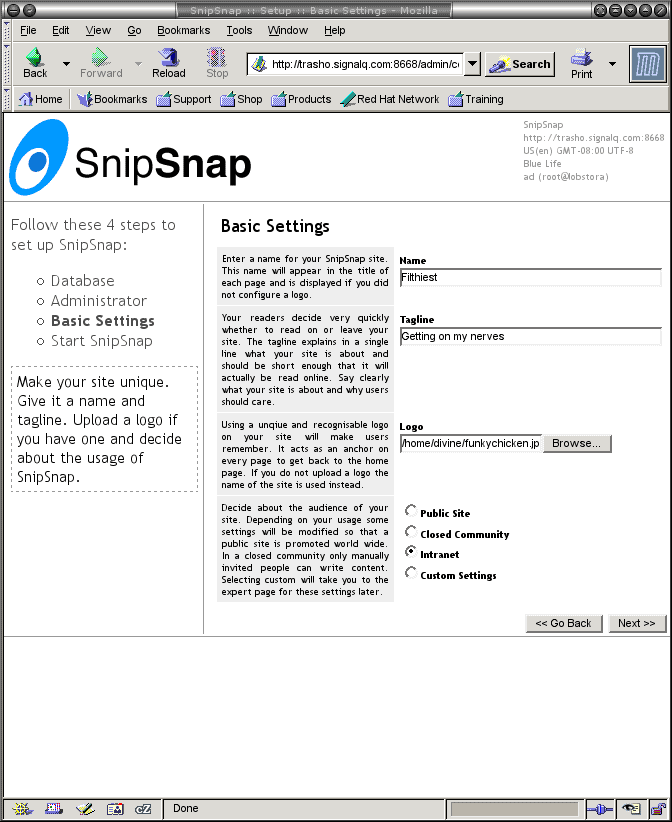
The next screen is the Basic setup screen:
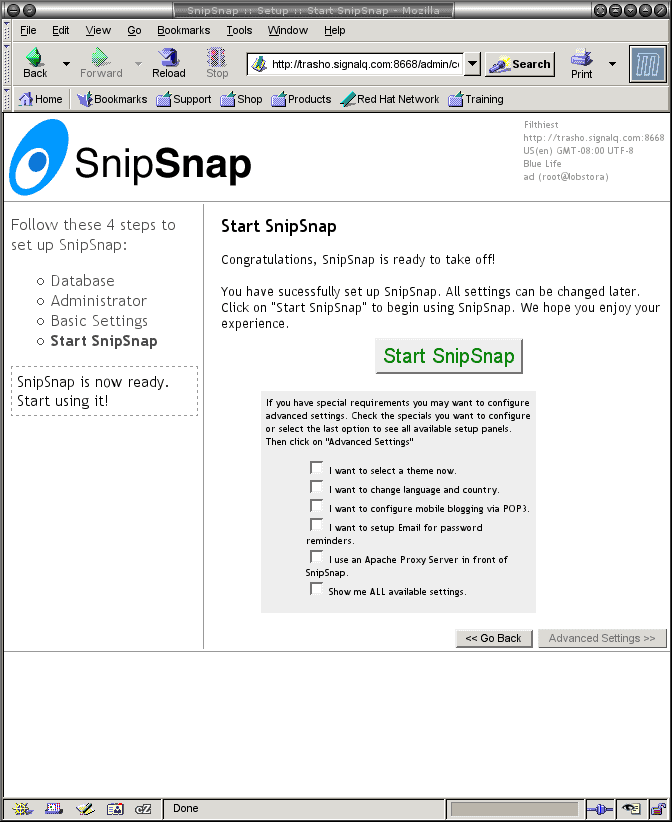
We are ready to start SnipSnap:
Back on the console where this is running, you can see that the server is confibured:
created application oid: 00000000ASM6F-00000002TUPZ5-00000DRTE5RS8-1C24G48ELR857
apps = [{name=Filthiest, OID=00000000ASM6F-00000002TUPZ5-00000DRTE5RS8-1C24G48ELR857, prefix=/}]
creating administrator account and snip
loading defaults into configuration space
posting initial weblog entry
creating configuration snip 'SnipSnap/config'
|
Here is what this looks like when running with the info we entered above:
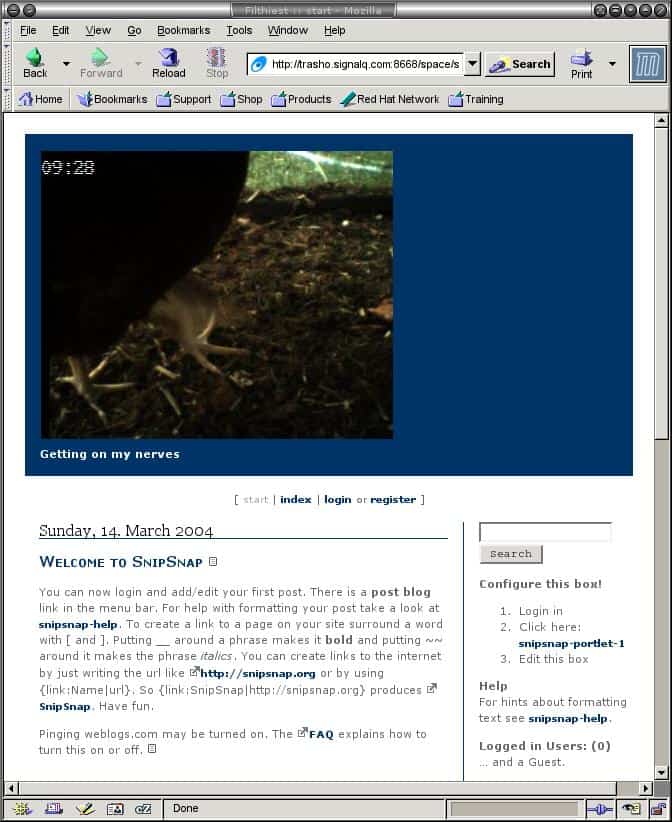
The logo is a bit big, but it was leftover from an image from the Chicken Cam Hall of Fame.
That was so easy!!! Impress your developers with this swell tool.




